> For the complete documentation index, see [llms.txt](https://help.clausebuddy.com/llms.txt). Markdown versions of documentation pages are available by appending `.md` to page URLs; this page is available as [Markdown](https://help.clausebuddy.com/admin/export-templates.md).
# Export templates
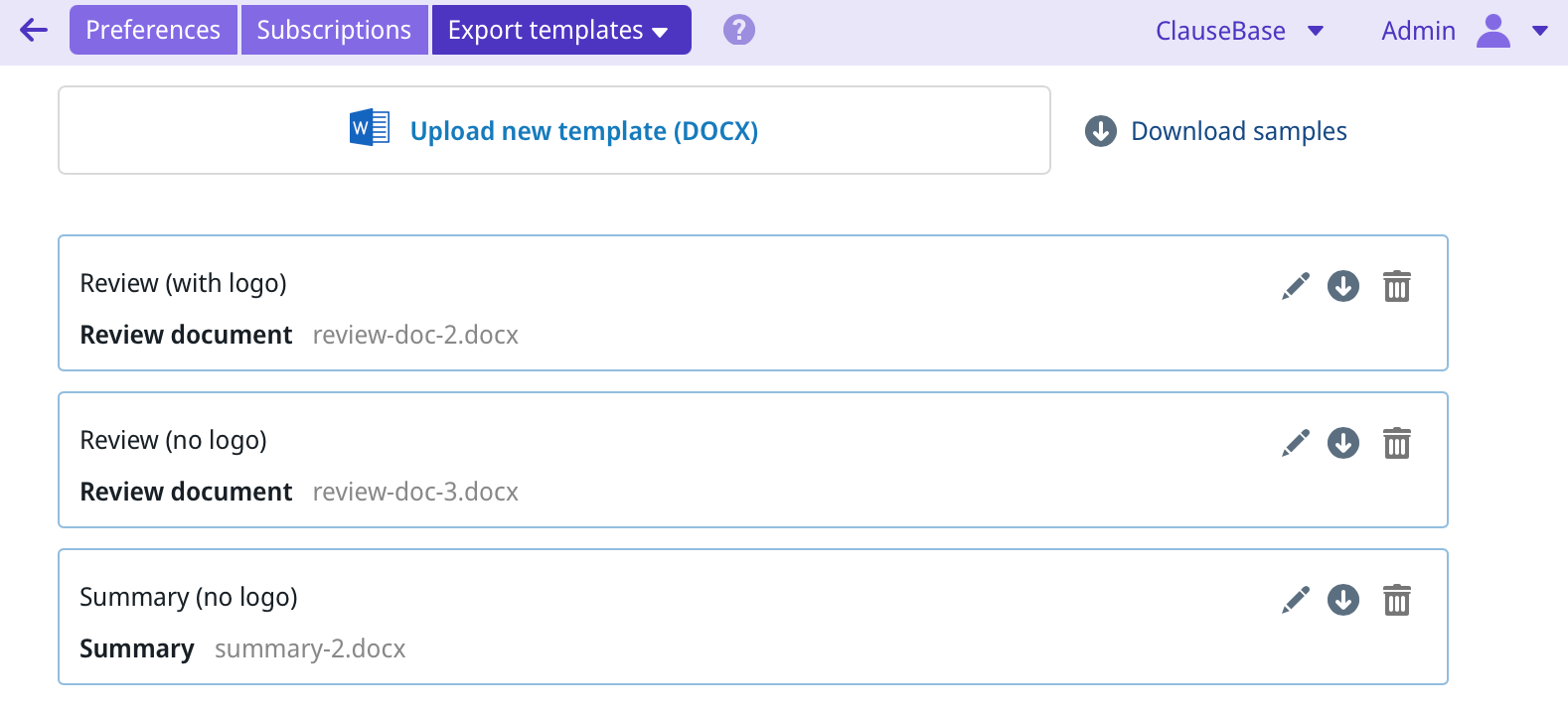
Through the Export Templates setting, you can upload Word (DOCX) documents that can be used as templates for reports exported from ClauseBuddy.
{% hint style="info" %}
Currently, this only works for reports of automatic reviews and for the summaries generated through the Summaries module. But additional reports may be added in the future.
{% endhint %}
## Why custom templates?
Custom templates allow you to use your own house style for the reports, e.g. with your chosen fonts, colors, front page, and so on.
As a law firm or legal service provider, you may even want to use different templates for different clients you work for.
## Uploading a new file
Uploading a new template is easy: just select (or drag & drop) the Word-file into the area at the top.
You can then set a title (this will be shown in the export dropdown-lists of your end-users) and the module for which this template is intended (currently either reviewing or summarisation).
## Rules to respect
Uploading is easy — the hard work is in configuring the contents of the MS Word file you upload. What needs to be done, differs by the module for which the template is configured, but essentially ClauseBuddy will insert certain content with a specific MS Word style.
For example, in the templates for reviewing reports, ClauseBuddy expects the titles of the requirements to have style "CBReqTitle", while the titles of extracted data must be in style "CBDataTitle".
The exact names of the styles are described in the samples you can download through the *Download samples* button in the upper right corner:
Those samples provide detailed explanations of what you are supposed to do. Probably the easiest approach is to:
* **If you don't have very strict house style rules:** start from the sample without explanations, and customise it to your needs by tweaking the styles in MS Word.
* **If you have a strict house style, or you have existing templates to match:** modify them so that they include the right MS Word styles.
{% hint style="success" %}
Tip: copy/pasting paragraphs with the "CB..." stylenames from the provided samples into your own document, is usually sufficient to create those styles within the target document.
{% endhint %}
{% hint style="success" %}
Tip: We are aware that the intricacies of MS Word styling are terra incognita for many lawyers, but we have entire [MS Word courses](https://www.clausebase.com/msword/word-for-lawyers) on our website.
{% endhint %}
---
# Agent Instructions
This documentation is published with GitBook. GitBook is the documentation platform designed so that both humans and AI agents can read, navigate, and reason over technical content effectively. Learn more at gitbook.com.
## Querying This Documentation
If you need additional information that is not directly available in this page, you can query the documentation by asking a question.
Perform an HTTP GET request on the following URL with the `ask` and `goal` query parameters:
```
GET https://help.clausebuddy.com/admin/export-templates.md?ask=&goal=
```
`ask` is the immediate question: it should be specific, self-contained, and written in natural language.
`goal` is what the user is ultimately trying to achieve, the reason they need the answer. Sharing it helps GitBook give you a better, more relevant answer. A goal is most helpful when it describes the outcome the user wants rather than restating the question. For example, with `ask=how do I create an API token`, a goal like `automate deployments from our CI pipeline` lets GitBook tailor the answer to that use case.
The response will contain a direct answer to the question and relevant excerpts and sources from the documentation.
Use this mechanism when the answer is not explicitly present in the current page, you need clarification or additional context, or you want to retrieve related documentation sections.